This removes broken fog (You see a white shit around your screen) and his pixel size that is ultra bright. After removing this you can see a new problem, there is so much fog, to fix this change r.FogStartDistance to any value ex. 1000. If you dont know what value to set, you can set to -1 to be a default value or just remove this line of code and fog distance will be reset to default. If you hate fog you can set r.fog to 0.
EDIT 1: idk but fog is still close if you change this value so just change r.fog to 0. thats it. There is result how game now looks
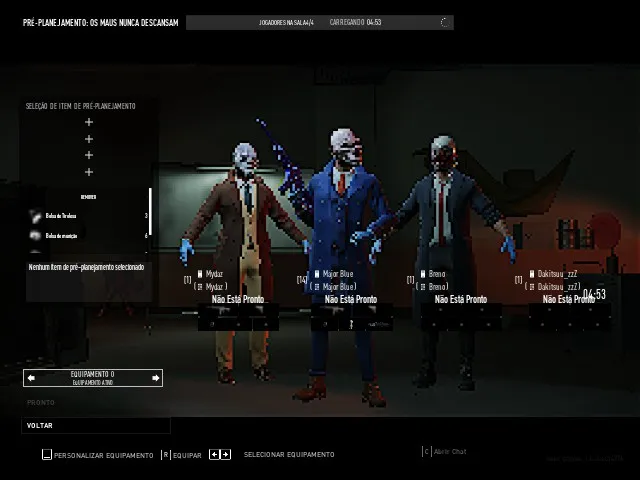




To fix a problem with really bright or white screen on some heists, Remove this lines of code:
r.VolumetricFog=1
r.VolumetricFog.GridPixelSize=13
r.VolumetricFog.GridSizeZ=23
This removes broken fog (You see a white shit around your screen) and his pixel size that is ultra bright. After removing this you can see a new problem, there is so much fog, to fix this change

r.FogStartDistanceto any value ex. 1000. If you dont know what value to set, you can set to -1 to be a default value or just remove this line of code and fog distance will be reset to default. If you hate fog you can setr.fogto0.EDIT 1: idk but fog is still close if you change this value so just change
r.fogto0. thats it. There is result how game now looksThank You a lot!!
I will be updating engine.ini again, fog for some reason drops performance a lot
@major You updated it to state where sunlight go trought buildings and everything is like a plastic/glass and very shiny
@blackuspl yep, everything seems ok now
@blackuspl about shiny, just remove r.ReflectionEnvironment=0