Intro
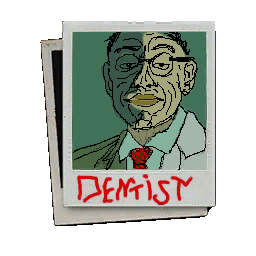
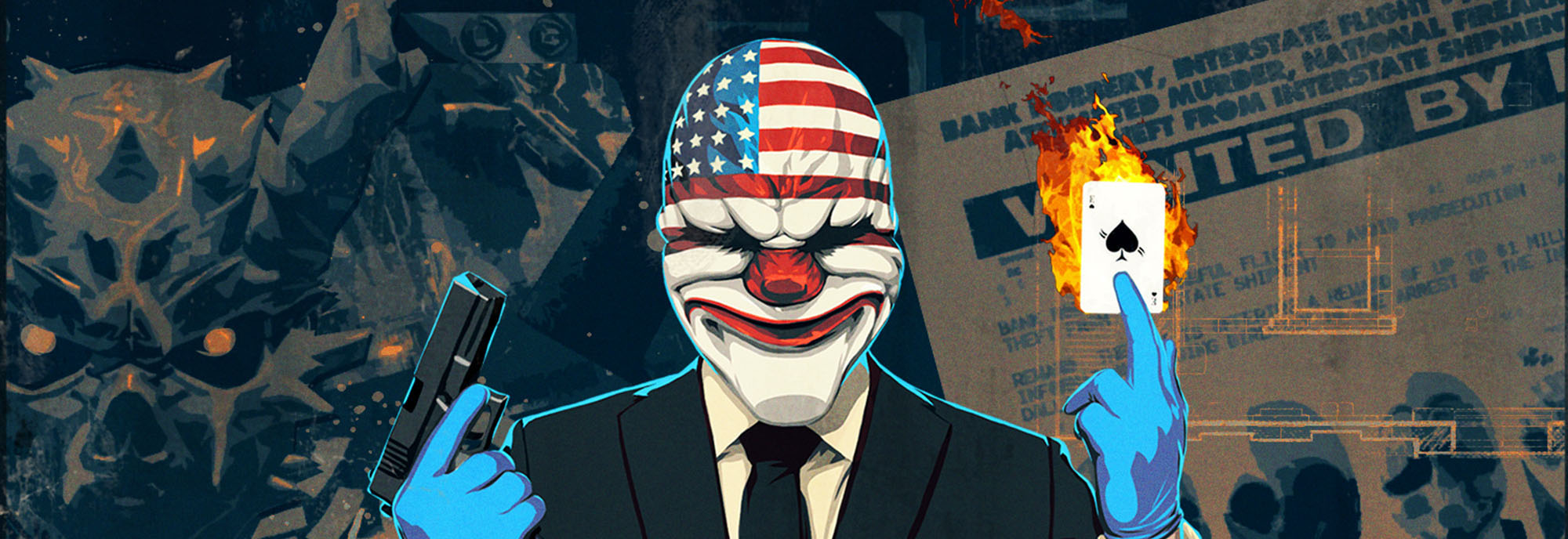
If you wanted to lose a portion of braincells, some eyesight, couple spoons of sanity - this HUD listened to your wishes and came to life. Summary of misaligning, bad drawing, hideos concepts and stupid idea - that is what is called "CringeHUD". Use it at your own caution, i am not responsible for any outcomes besides teaching you not to look at HUD while playing game.
Requirements
You may be surprised, but you need NOTHING to use this mod. At the era of BLT, that's kinda funny.
Compatibility
You can run it with any mod that doesn't have custom textures used, which can replace this HUD ones.
Example:
- WolfHUD works fine with exception of Federales Icons setting, replacing some stuff of CringeHUD
Installation
Just like any other mod_overrides type mod you have there.
Copy CringeHUD folder (inside CringeHUD_version.zip) to "pd2 folder path"/assets/mod_overrides/, create mod_overrides folder if you have none.
What's done?
HUD ingame - done. HUD in preplanning/menu - done. Main use fonts (english) - done
What's in progress?
CrimeNET assets, inventory assets, lots of DLCs mesh
Mayhaps mission fonts
Attention - work won't be done on Korean, Japanese and Chinese fonts because of no language knowledge. If anyone wants to fix this and add it into hud, i'll be glad. And it surely will be credited
Outro
Have fun, or at least try to, using this HUD. Screenshots are made in combo with PocoHUD, fully compatible since doesn't have any custom assets. Work on this one is done at spare time, and only when i have mood. Let's hope i'll retain motivation to finish this project.
About MSPaint HUD and it's assets
Got info about it after making the mod, no looking for assets and all that, work done from scratch. Here's link for MSPaintHUD, visit its page and use what you'll select
https://modworkshop.net/mod/13010
Also check TonisGaming mods, he did much more other stuff :)