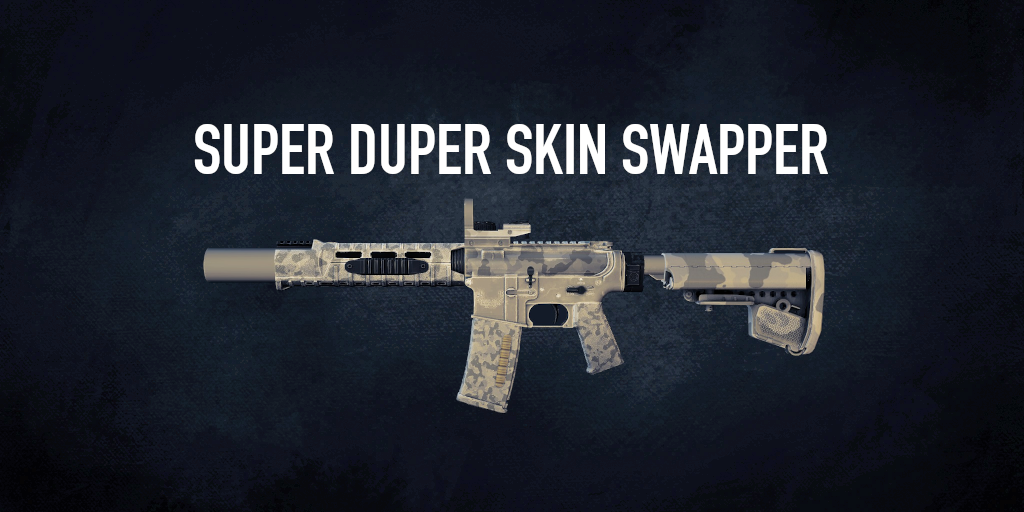
Major Update: Legendary weapon skin support and duplicate skin hiding have been removed from Super Duper Skin Swapper v3.0.
Super Duper Skin Swapper is now compatible with Optional Skin Attachments and Hide Duplicate Skins.
Super Duper Skin Swapper allows any skin (and weapon color) to be used on any weapon. Main features:
- Real-Time Filtering: Filter buttons in the weapon customization screen allow for skins to be sorted and filtered by safe, rarity, and more.
- Visual Indicator for Swapped Skins: Weapons with a swapped skin are displayed as a default weapon with a rarity background. The equipped skin will be shown as a mini-icon (similar to how weapon colors work).
- Double-Click to Preview: Option to quickly preview skins by double-clicking. Off by default.
As of v3.0, Super Duper Skin Swapper is compatible with Optional Skin Attachments and Hide Duplicate Skins. Both are strongly recommended and will enable additional features:
- Use Skin-Included Attachments (OSA): Any compatible attachment included on a weapon skin will be freely available to use, even when the skin is equipped on a different weapon.
- Legendary Skin Support (OSA): Legendary attachments will be shown in the weapon customization menu and can be used if the corresponding skin is equipped.
- Enhanced Preview Options (OSA): Option to enable dialog menus for choosing wear and weapon modifications in previews.
- Default Color Settings (OSA): Choose a default paint scheme, color wear, and pattern scale for weapon colors.
- Improved Duplicate Hiding (HDS): Only displays one copy of each skin. When applying the skin, a dialog menu can be used to select different versions of the skin if multiple are owned. Skins below a certain quality can be hidden completely.
Super Duper Skin Swapper will continue to function without Optional Skin Attachments, but you will lose access to skin-included attachments, including legendary attachments. SDSS safely disables skin attachments by temporarily deleting the list of attachments when entering the weapon customization screen and restoring it once you exit. While you are in weapon customization, DLC checks on other players are blocked to prevent false-positive cheater tags.
Known Issues
- Custom weapon skins are sorted separately from Steam weapon skins when using Restoration Mod. They appear at the end just before the unowned weapons.
Acknowledgments
Credit goes to SAR_Boats for writing the original Super Skin Swapper.
Big thanks to Kamikaze94 for updating WolfHUD to be compatible with this mod.
Thanks to GreenGhost21 for feedback during development.
Many thanks to Ludor Experiens and △urelius for their fixes that kept this mod alive between U201 and U205.
Many thanks to [6IX] for the U242 fixes.