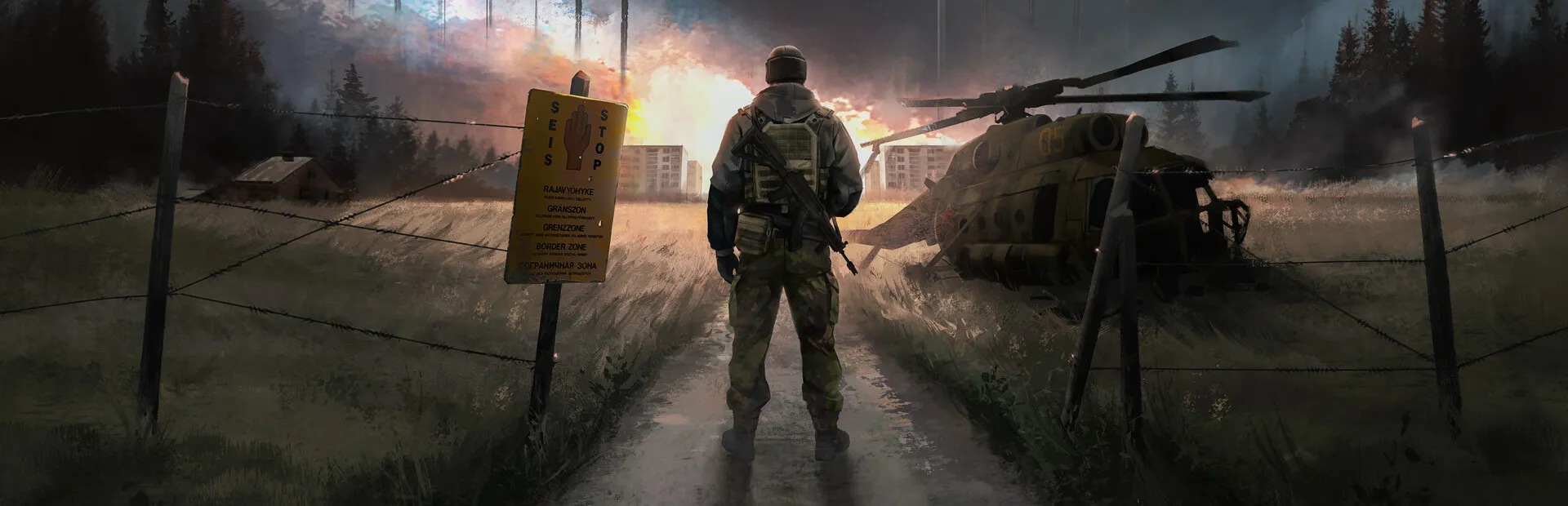
This mod activates a screen saver for your in-game menus, to avoid burn-in on certain monitors. This mod Should work on every menu that takes control away from your character, but let me know if I missed something.
Features:
[+] MCM Compatible (Optional)
[+] Screen Saver appears after 180 seconds (MCM adjustable)
[+] Four available screen savers to choose from using MCM
"Black Screen" - Turns everything black.
"Logo" - Main Menu / Loading Screen background image with extra noise.
"Items" - Black screen with in-game items falling matrix-code style.
"DVD" - Black screen with Road to Vostok logo bouncing around the screen. (Default)
[+] Ignore or allow inputs based on type (Mouse button, Mouse motion, Keystroke)
[+] Adjust mouse motion margin for exiting screen saver
Dependencies:
Requires Metro Mod Loader
MCM Compatible
Install:
Drag-and-drop the .VMZ into your %steamapps%/Road to Vostok/mods folder.
Future plans:
Customize screen savers via MCM (speed, scale, whatnot)