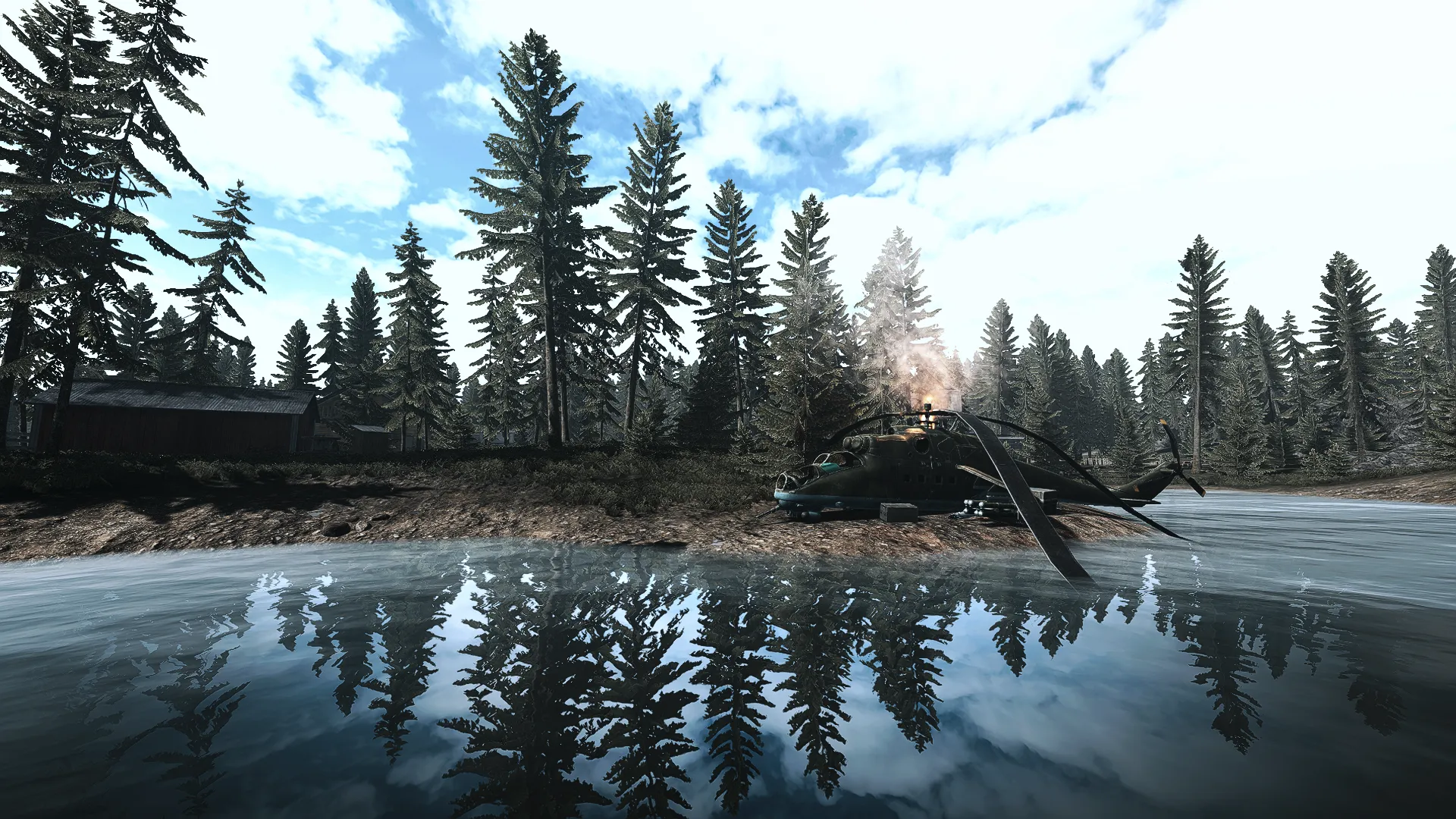
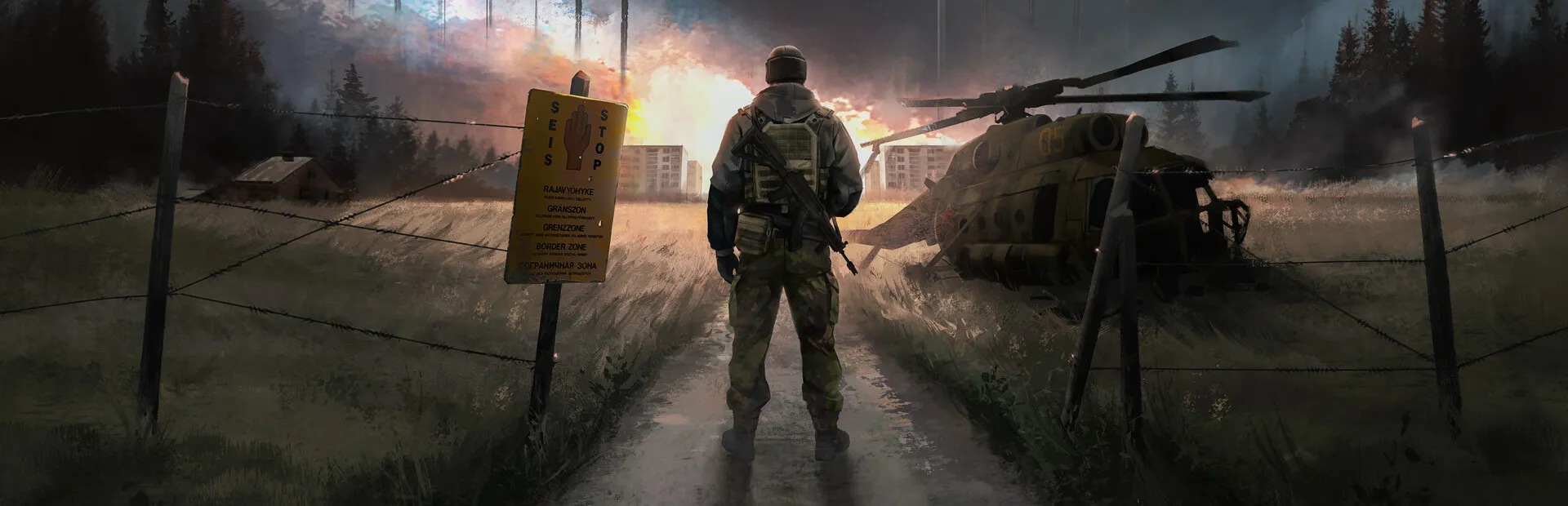
I created a lightweight, potato-friendly ReShade preset for RTV. It’s nothing fancy—just a more desaturated look with deeper shadows and cooler tones.
In the screenshots, the first image always has the ReShade preset enabled, and the one after it is vanilla.
In the future, I will be releasing a standalone mod to achieve the same results without having the need for ReShade.
Installation:
Install ReShade.
Select the included .ini file as your preset.
Copy the “reshade-shaders” folder into your game directory.
That’s it. Enjoy.
Troubleshooting:
If you get a black screen when launching the game, make sure the “reshade-shaders” folder is correctly placed in the game directory. The LUT won’t work properly without it.
If you experience FPS drops while using the preset, try disabling “AmbientLight”.