Adds a dedicated Pouch equipment slot and three tiers of secure container to Road to Vostok. Items stored inside survive death, scene changes, and full game restarts.
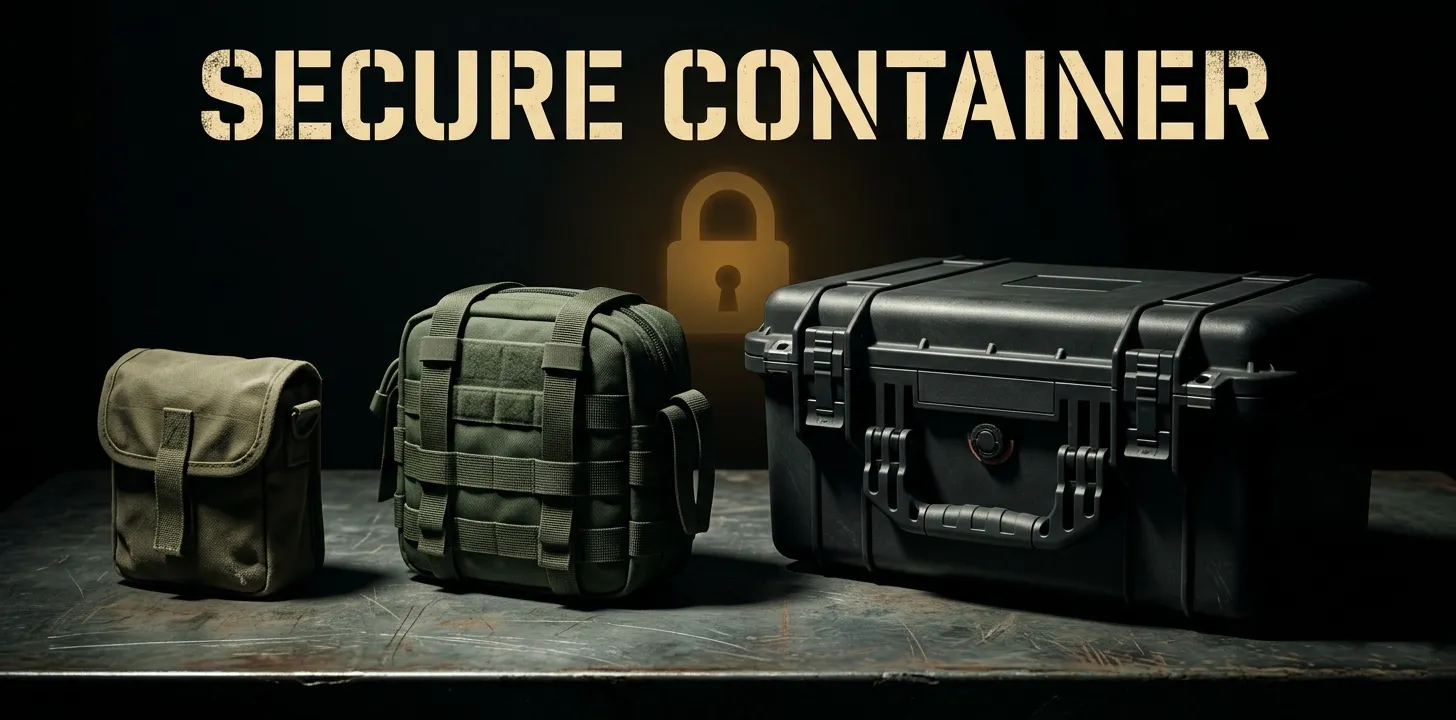
Containers
Item
Slots
Rarity
Loot Zone
Field Pouch
2
Common
Civilian
Secure Pouch
4
Rare
Industrial
Secure Case
6
Legendary
Military
All three containers spawn naturally in world loot and have unique 3D models, textures, and inventory icons.
How It Works
A Pouch slot is added to your equipment panel. Equip any container tier to activate it.
Middle-click the equipped pouch to open or close the secure panel.
Once open:
Shift+click any inventory item to move it into the container
Drag and drop items onto the panel
Click an occupied slot to return the item to your inventory
Moving the pouch out of the equipment slot drops all secured items on the ground (configurable).
Persistence
Items survive death and are restored to your inventory on respawn
Items persist across scene changes (cabin ↔ exterior)
Items persist across main menu and full game restarts